A look of its own
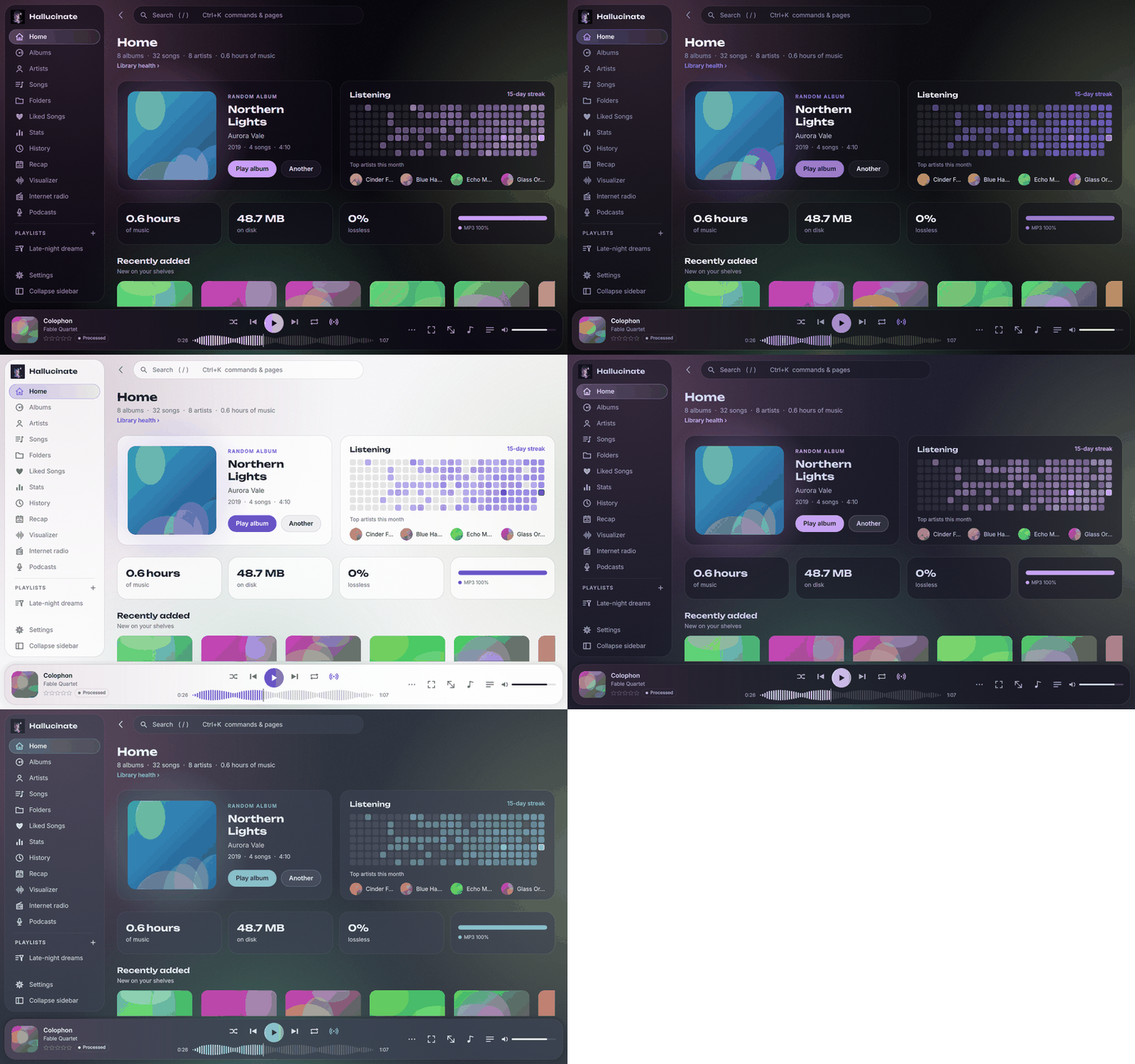
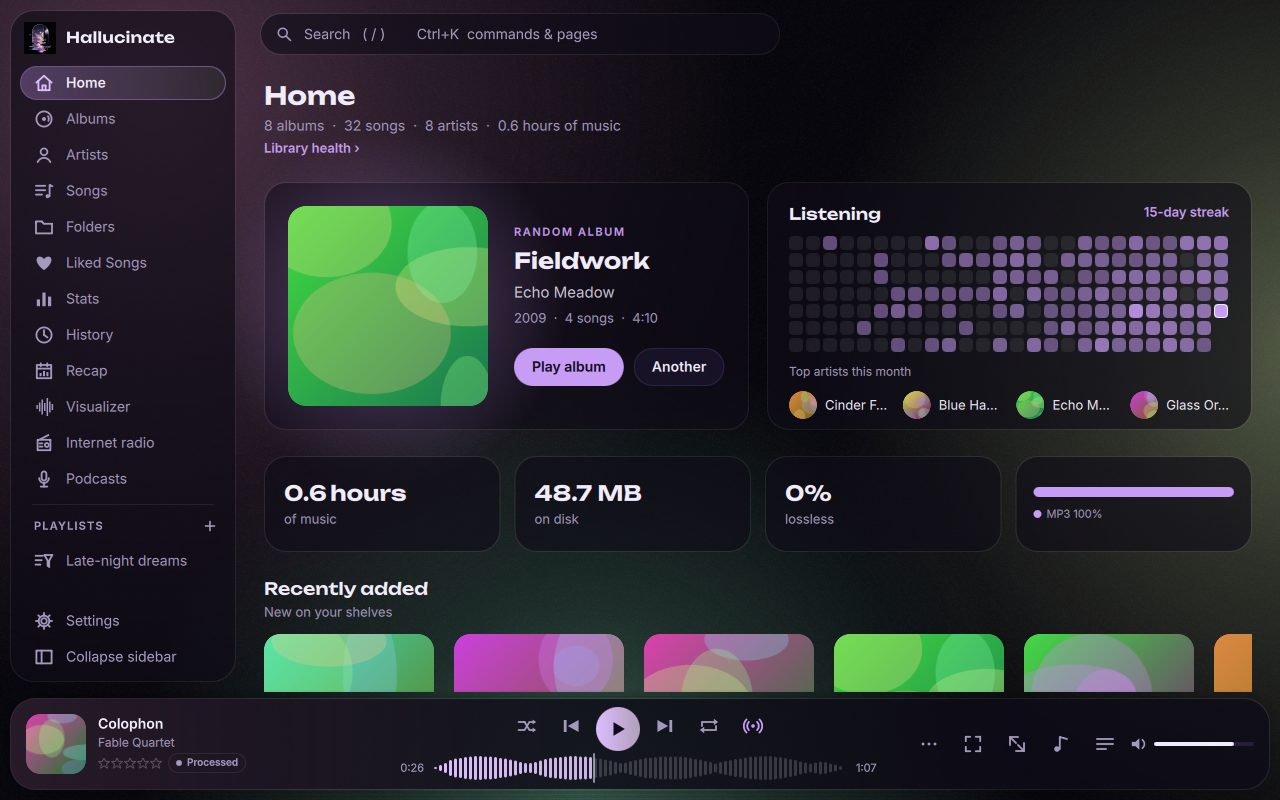
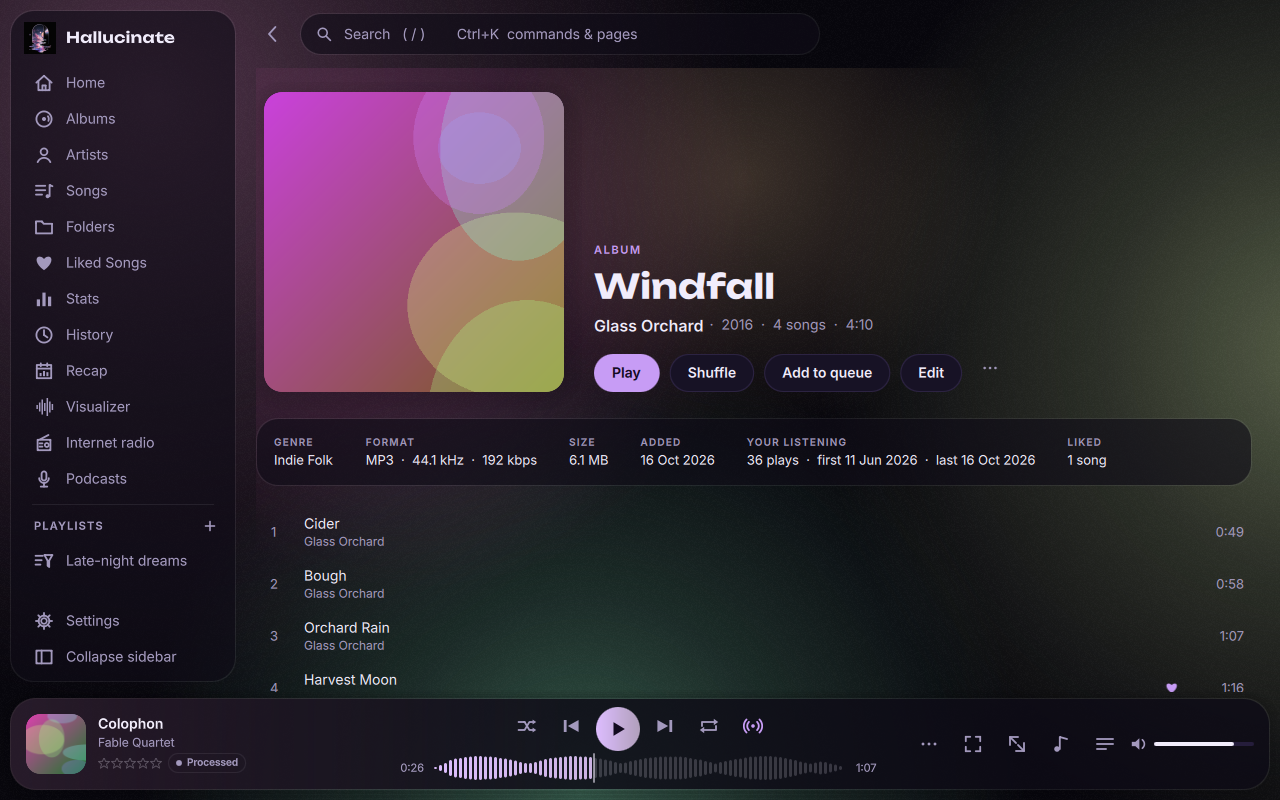
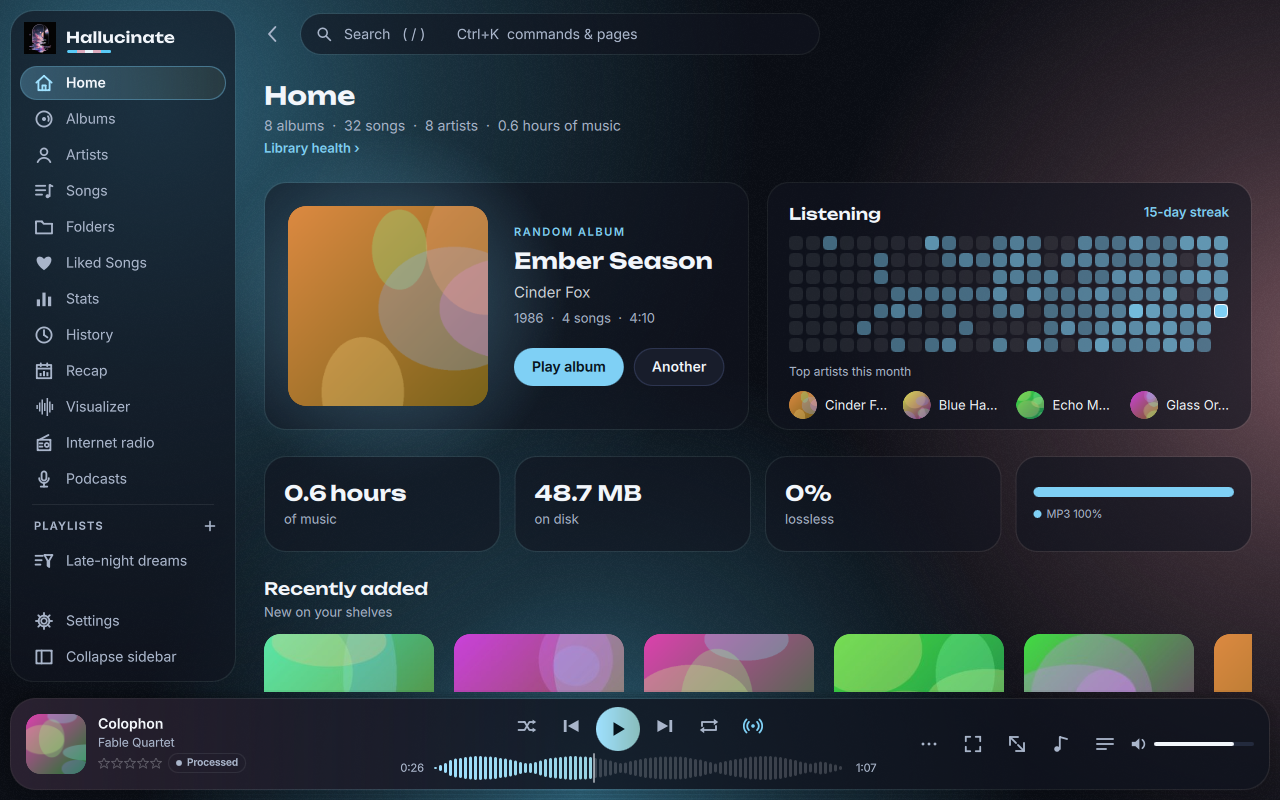
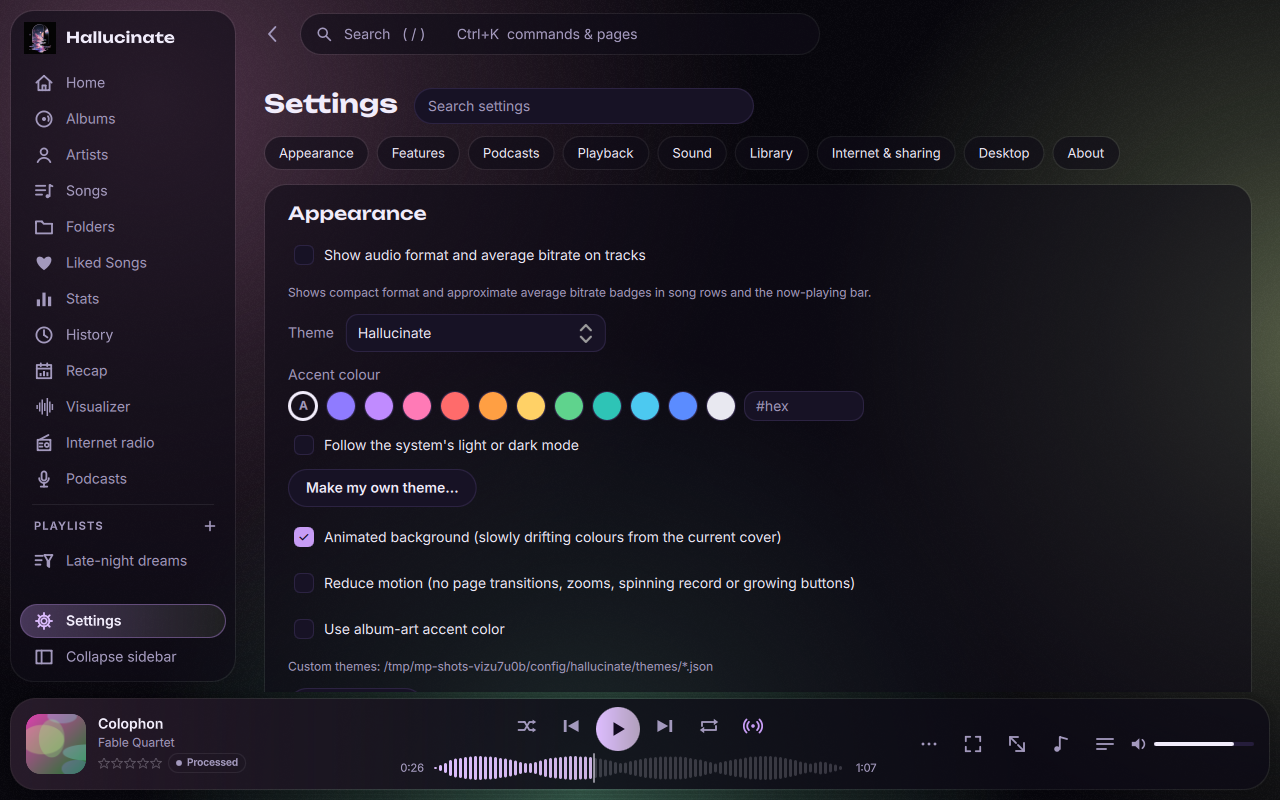
Frosted glass over colours that drift from the album that's playing, a floating player, and a seek bar drawn from each song's own waveform. Eighteen themes, any accent colour, or a theme of your own.
 Hallucinate
Version 0.9.9.6 · October 17, 2026
Soft, liquid and lit by your album covers. Instant search, gapless playback, visualizers that move with the music, and every listen remembered. Entirely yours: no account, no cloud, no ads.
Linux · Windows · macOS · free and open source (MIT)

Built for people with a folder full of music they love, from a few albums to a quarter of a million songs.
Frosted glass over colours that drift from the album that's playing, a floating player, and a seek bar drawn from each song's own waveform. Eighteen themes, any accent colour, or a theme of your own.
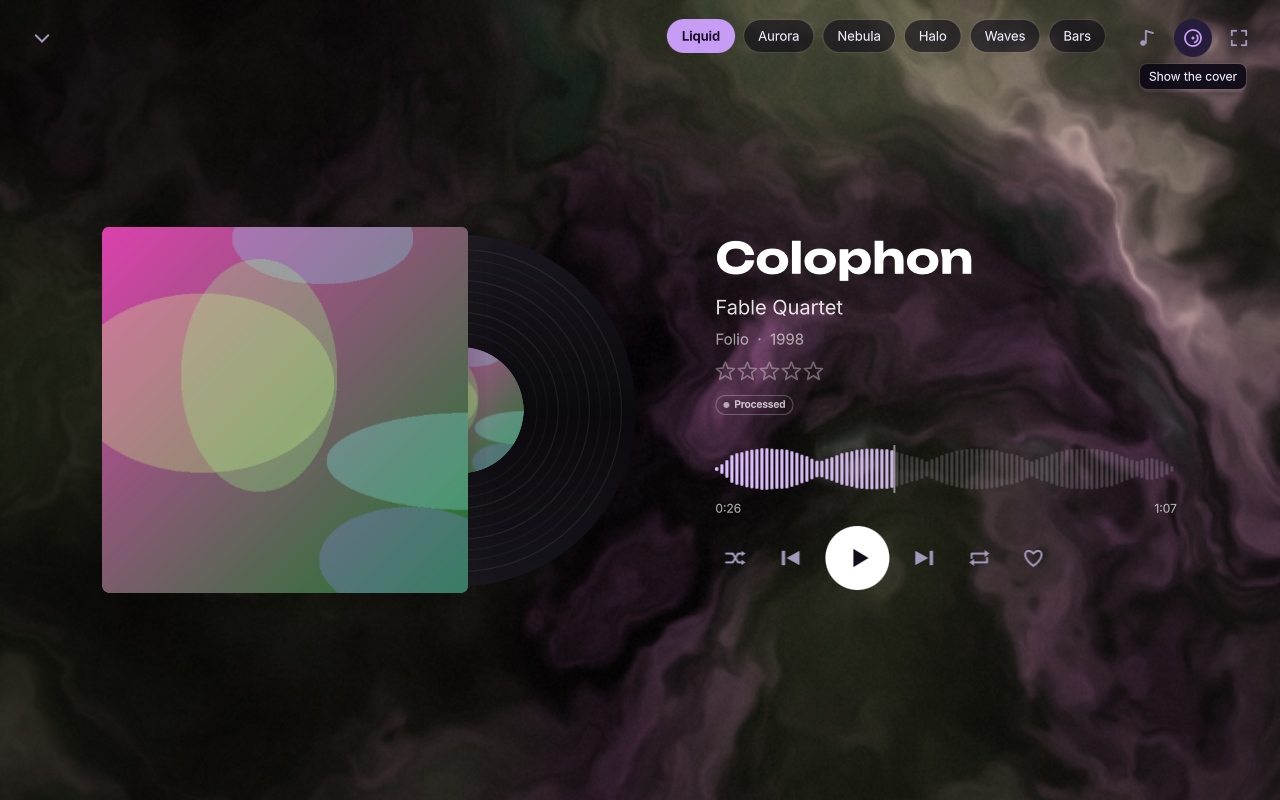
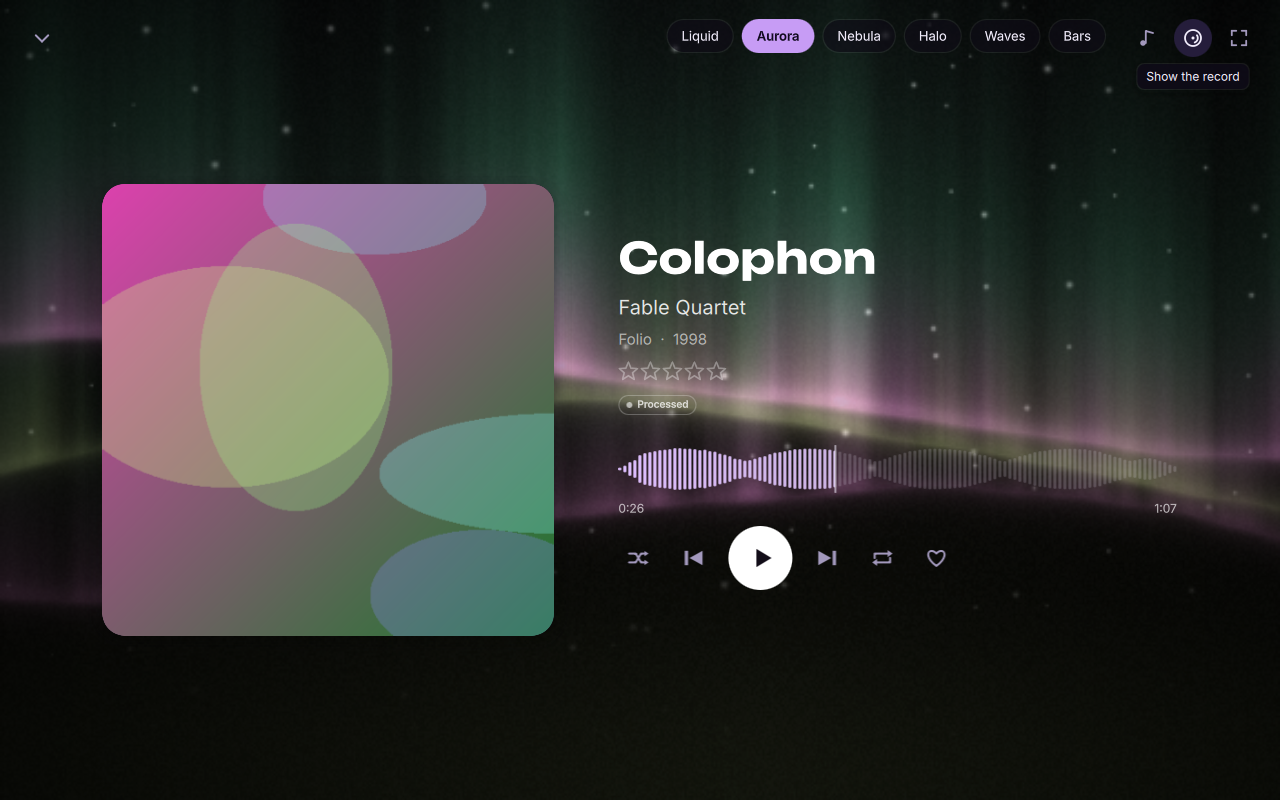
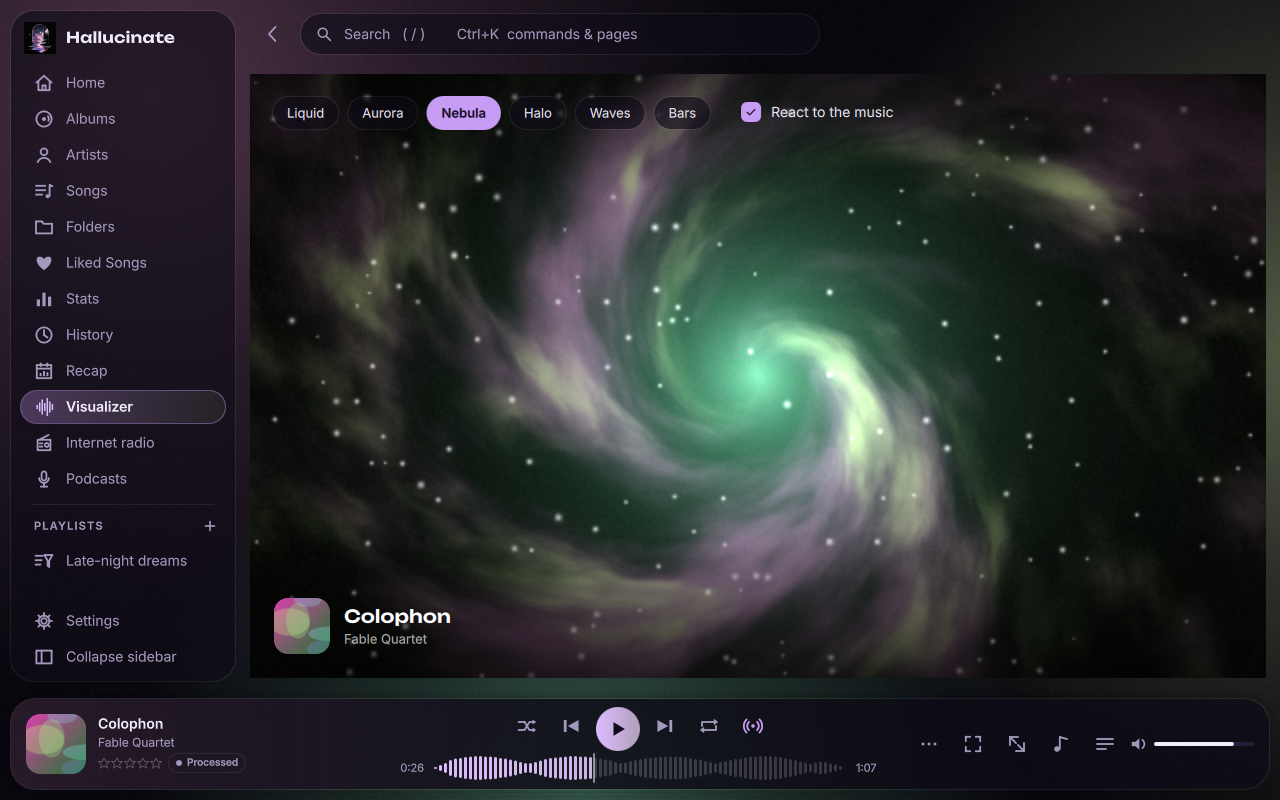
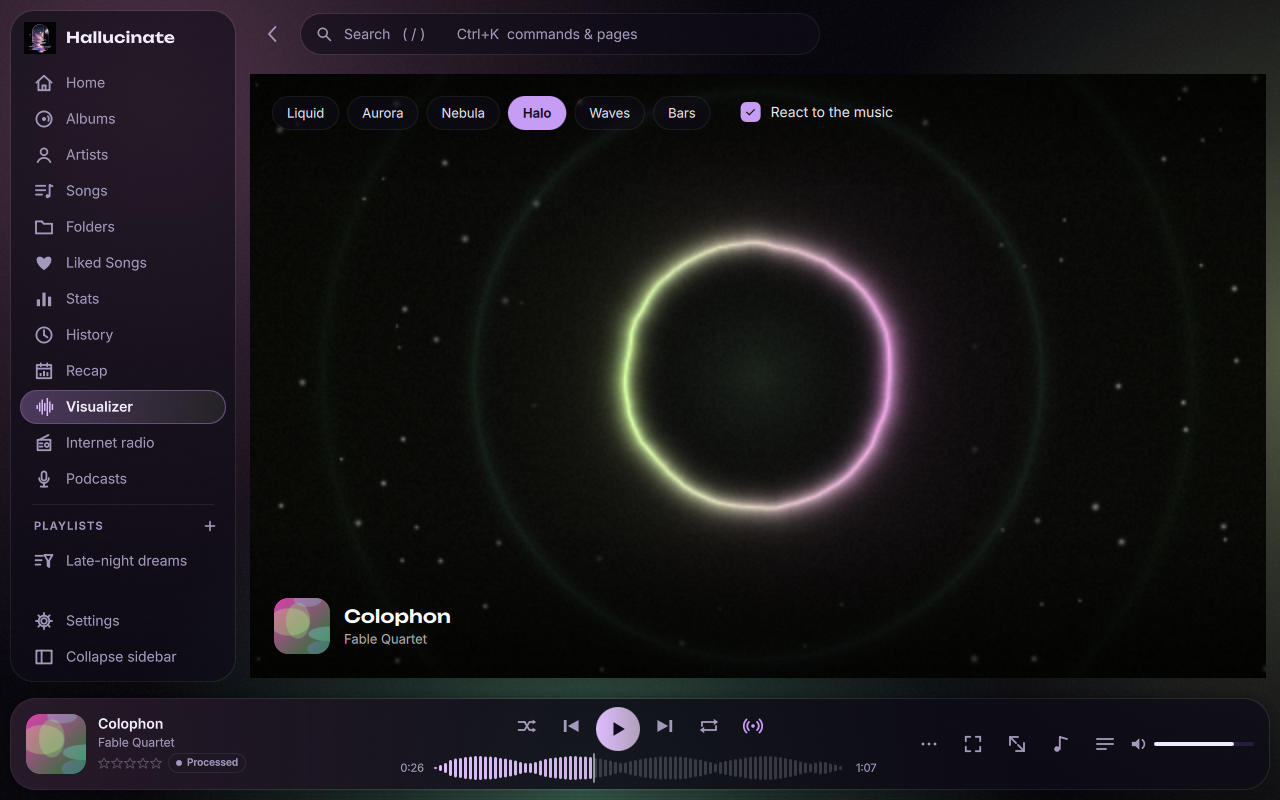
The cover, or the record sliding out of its sleeve, over Liquid, Aurora, Nebula, Halo and Waves visualizers that move with the music in the cover's colours.
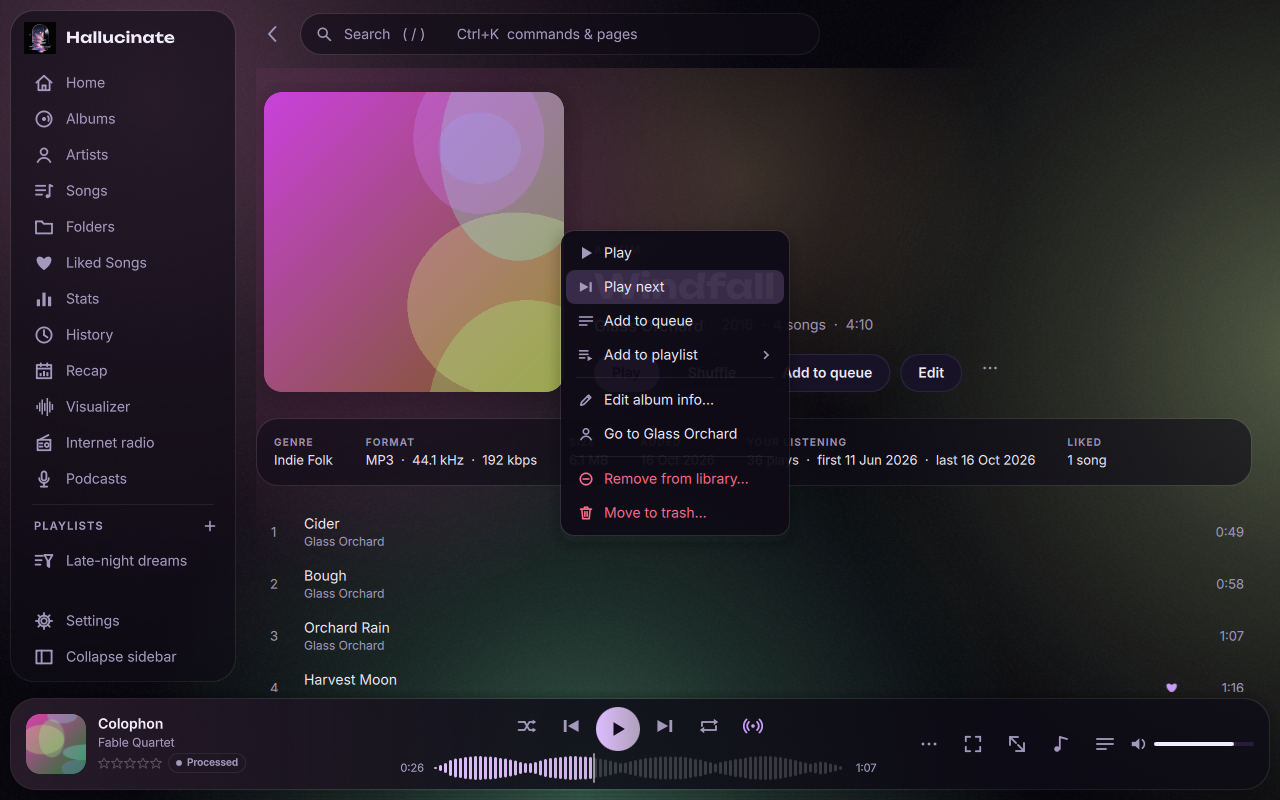
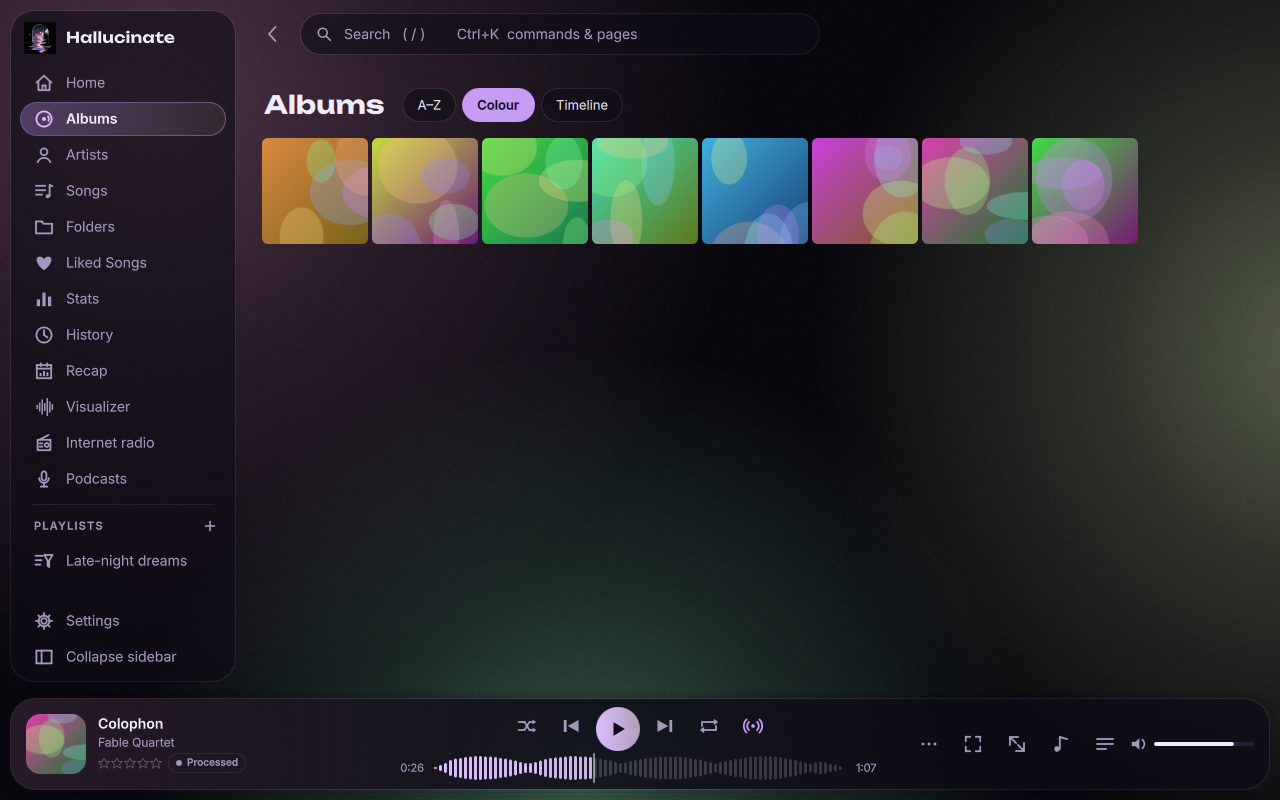
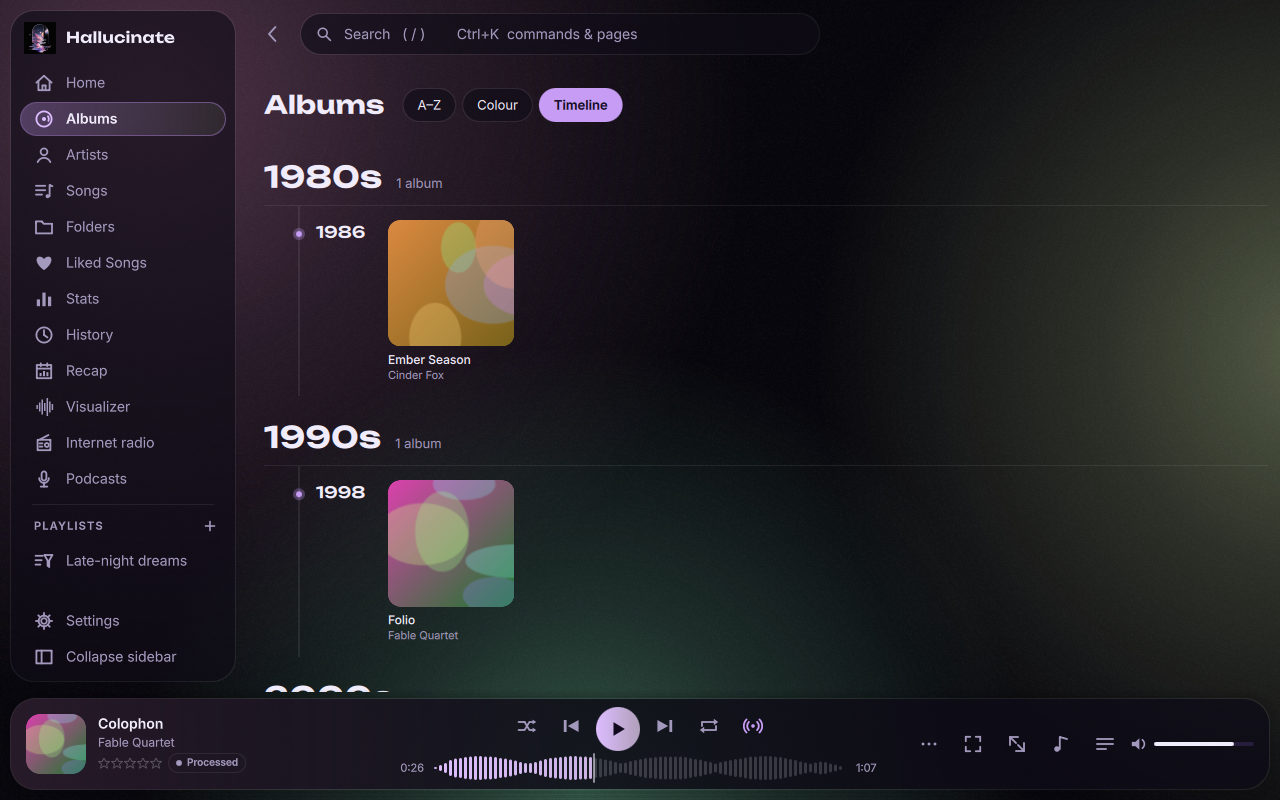
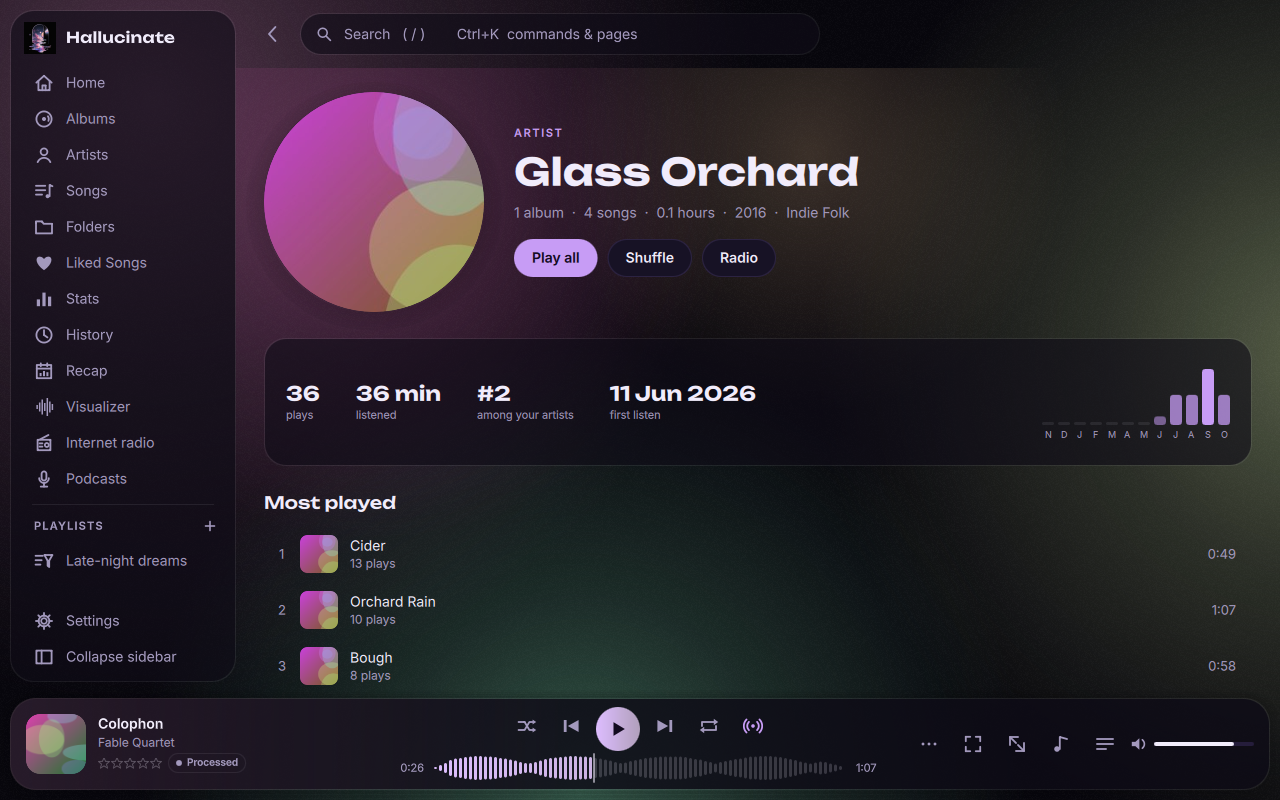
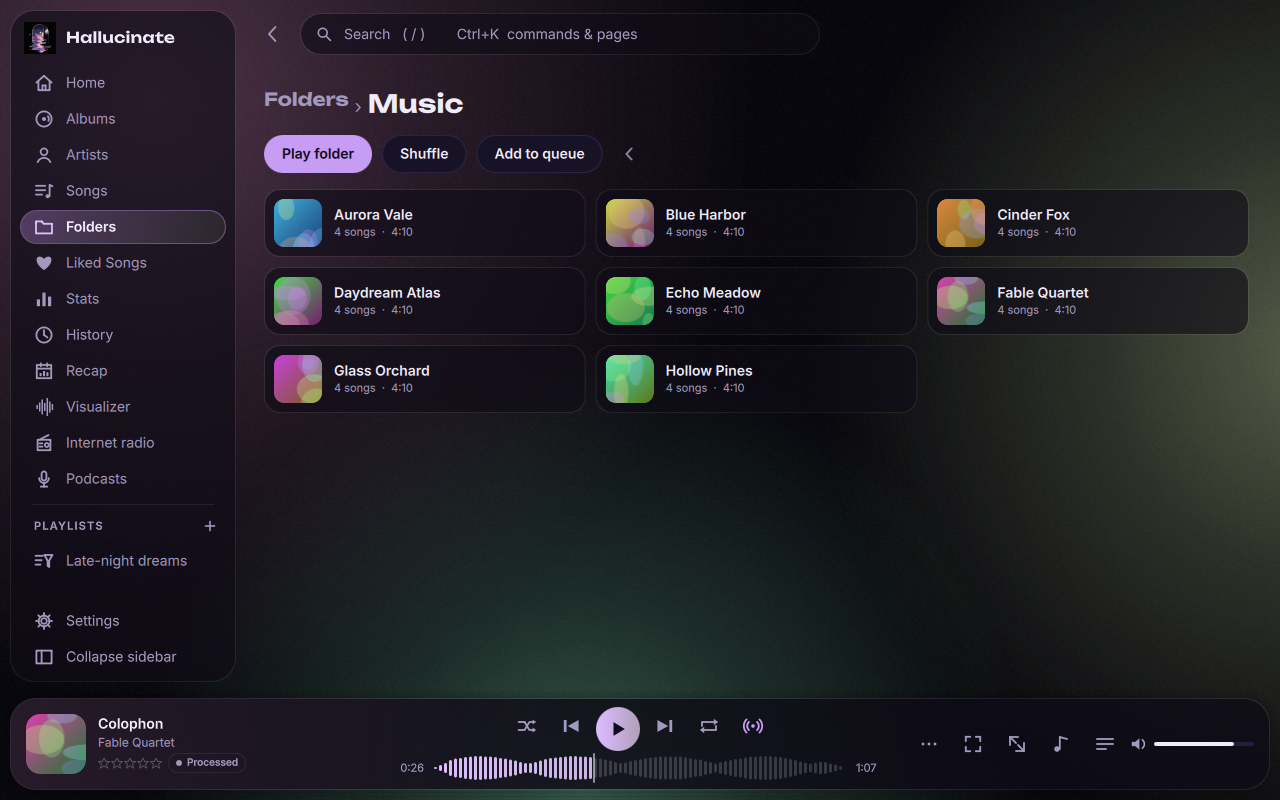
Album and artist pages with liner notes, a colour wall that sorts every cover round the colour wheel, a timeline by decade and year, and your own folders.
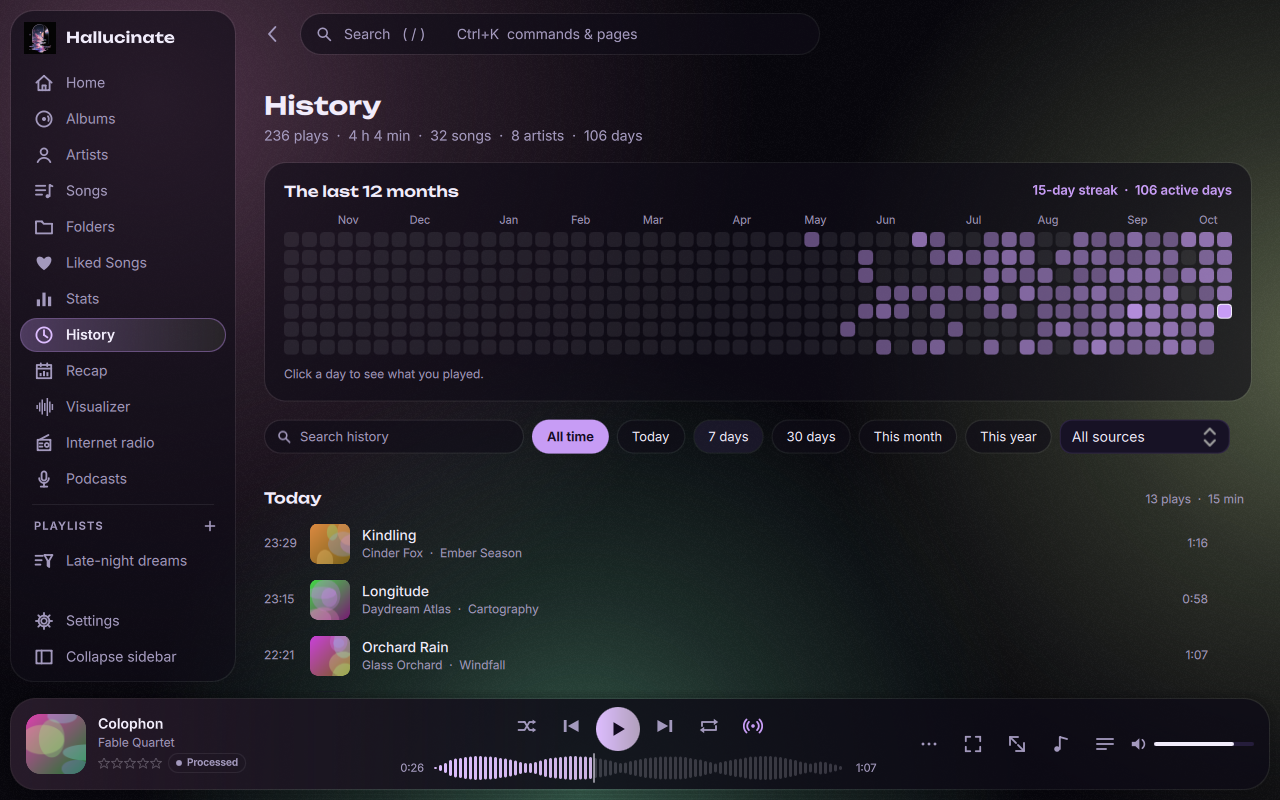
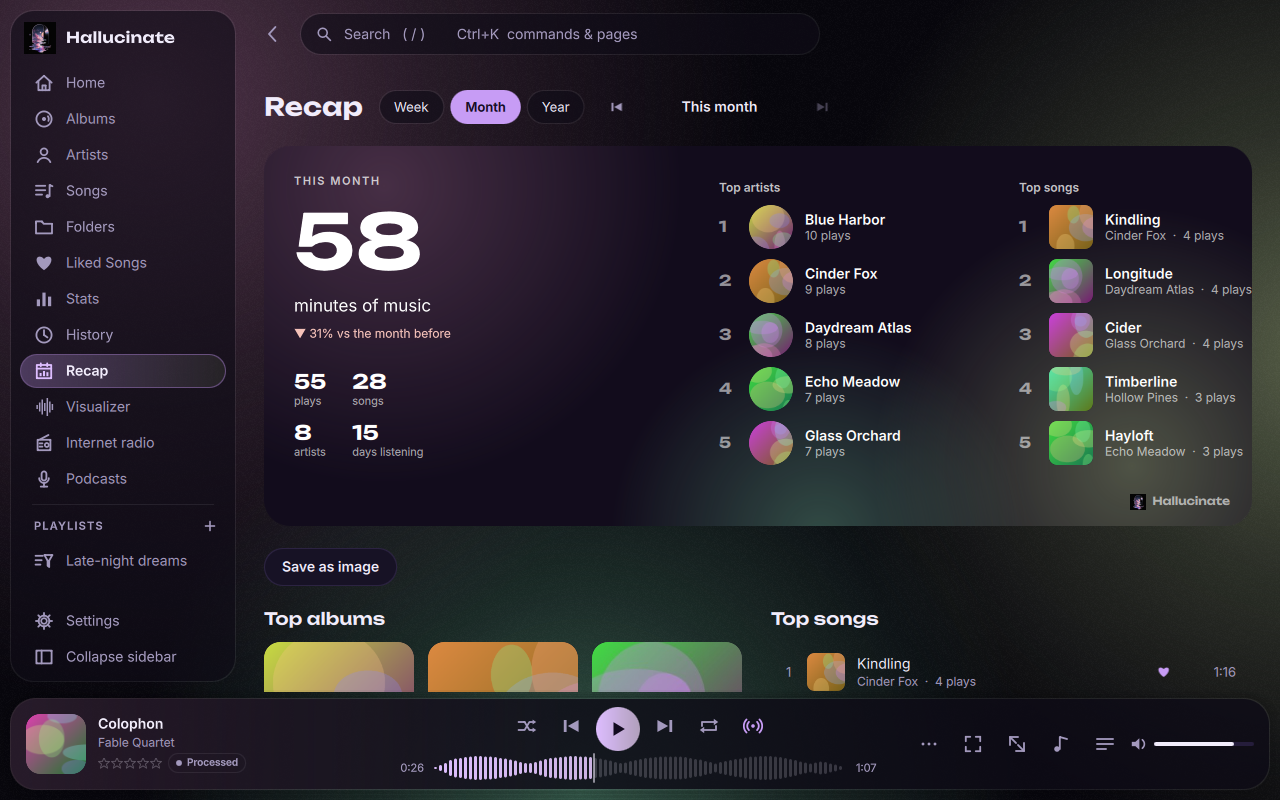
A searchable history by day with a year-long heatmap and streaks, a recap of every week, month and year, and what you played on this day in past years.
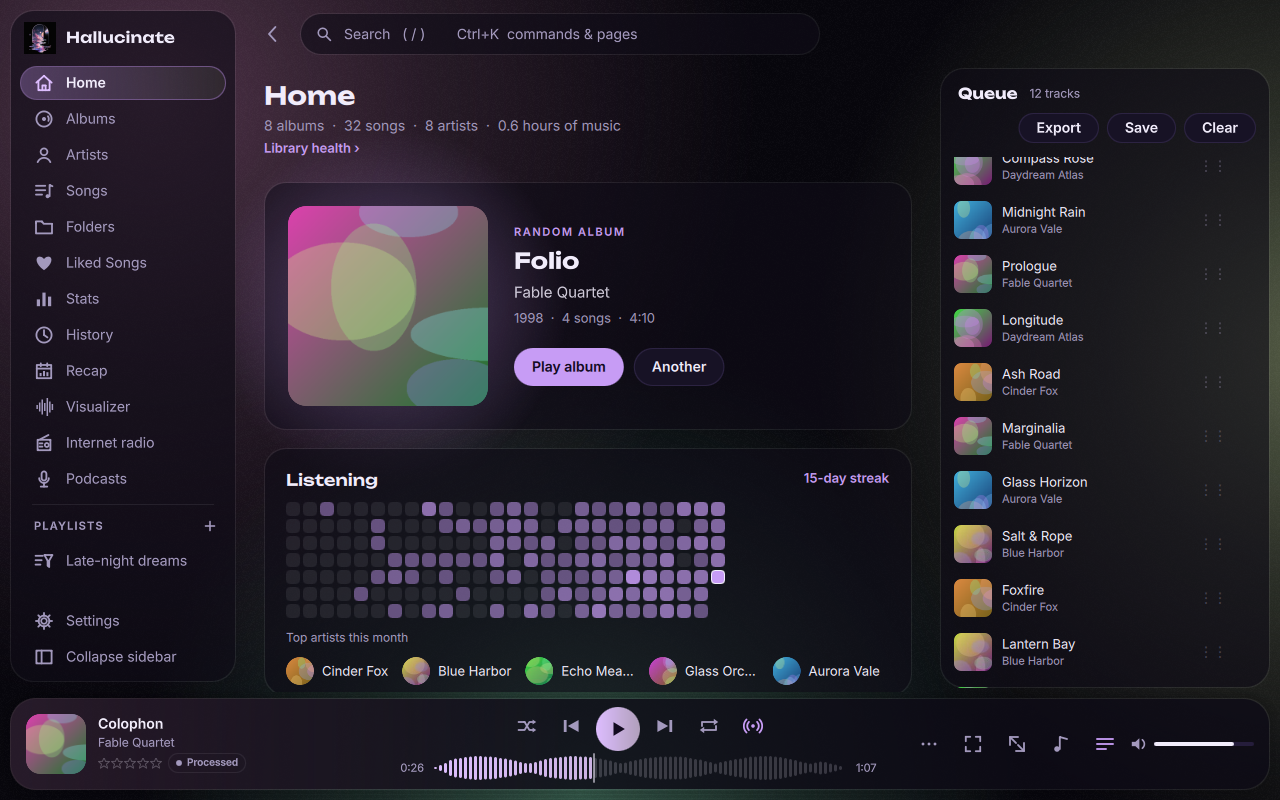
True gapless playback (CUE sheet albums too), ReplayGain measured where tags are missing, headphone correction from AutoEQ and crossfeed, and a signal path readout that tells you when the sound is untouched.
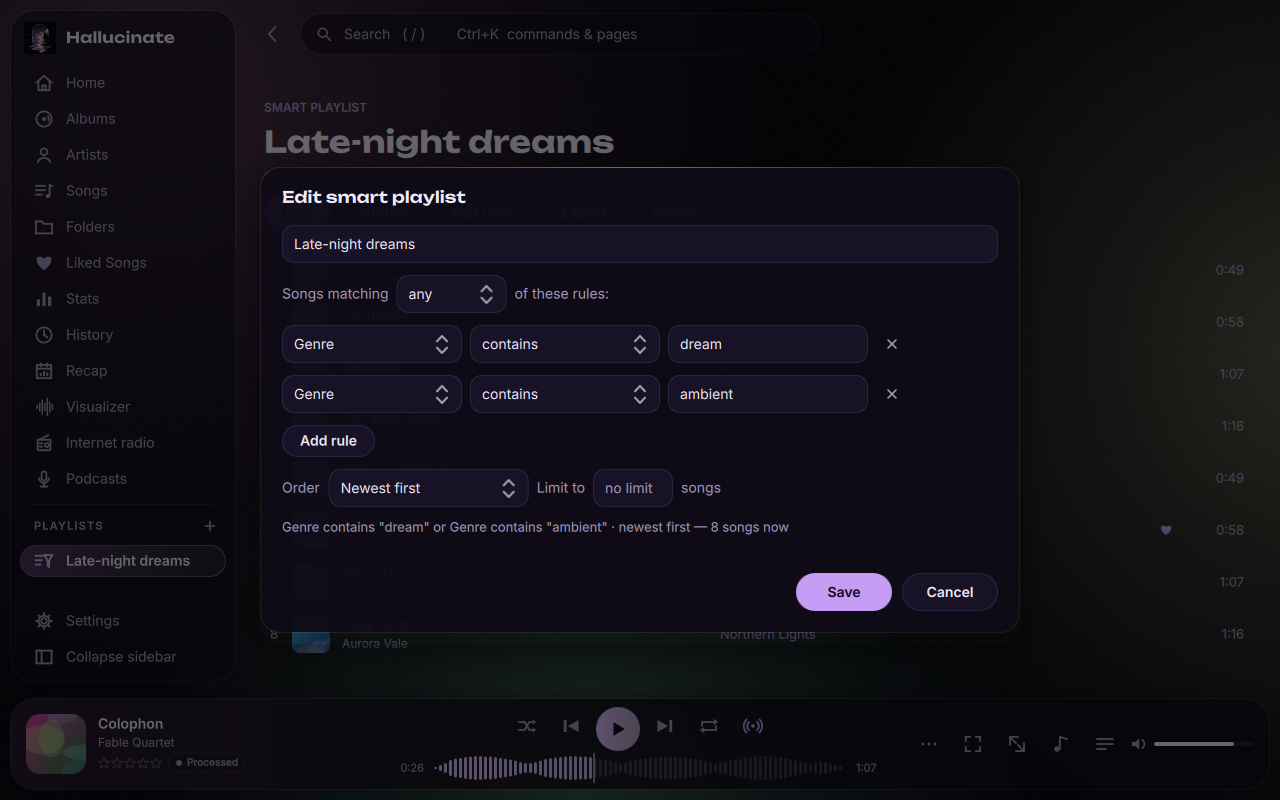
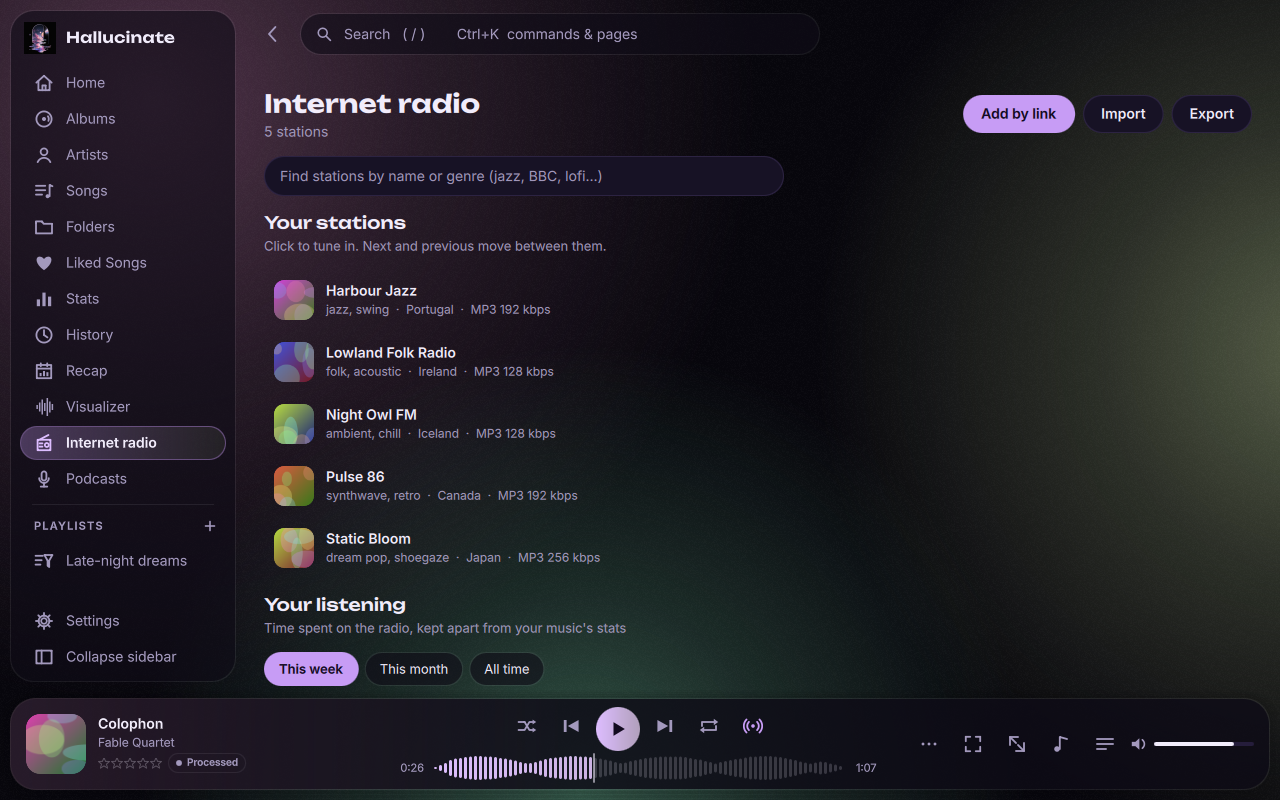
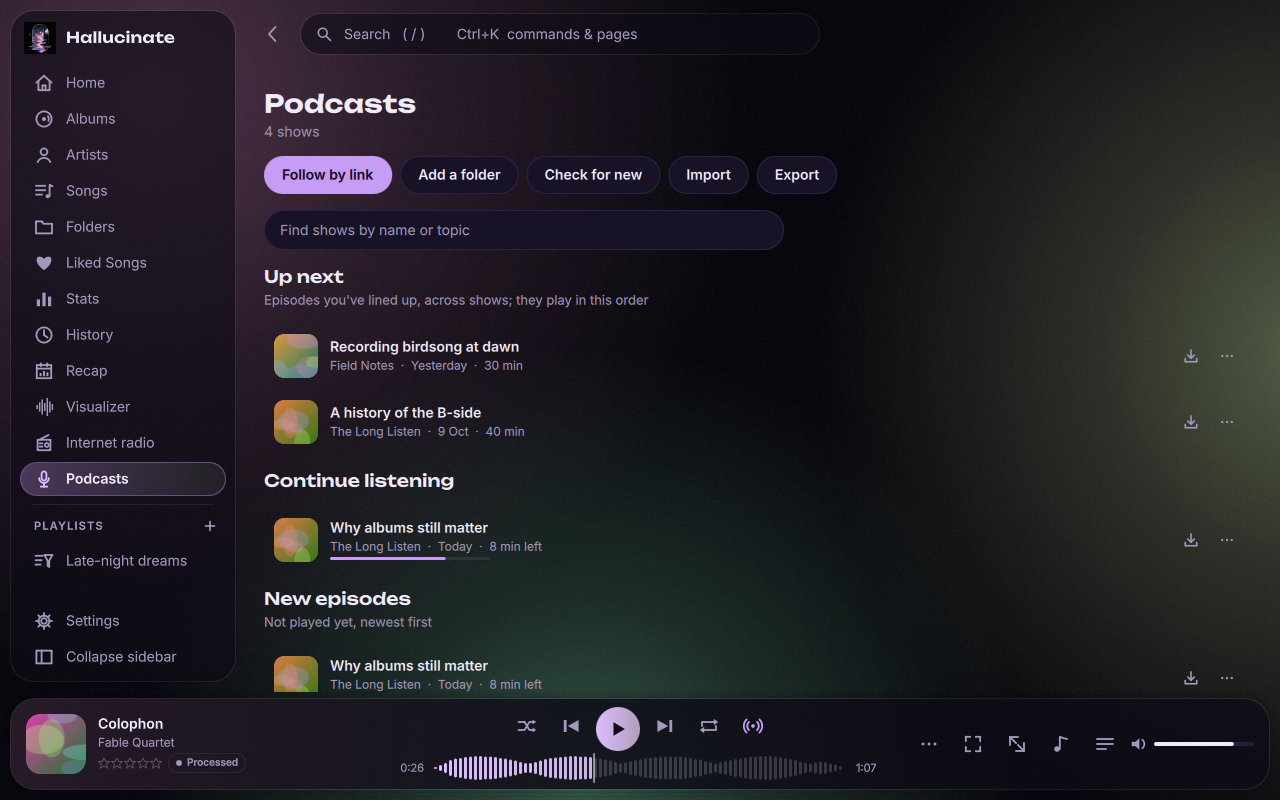
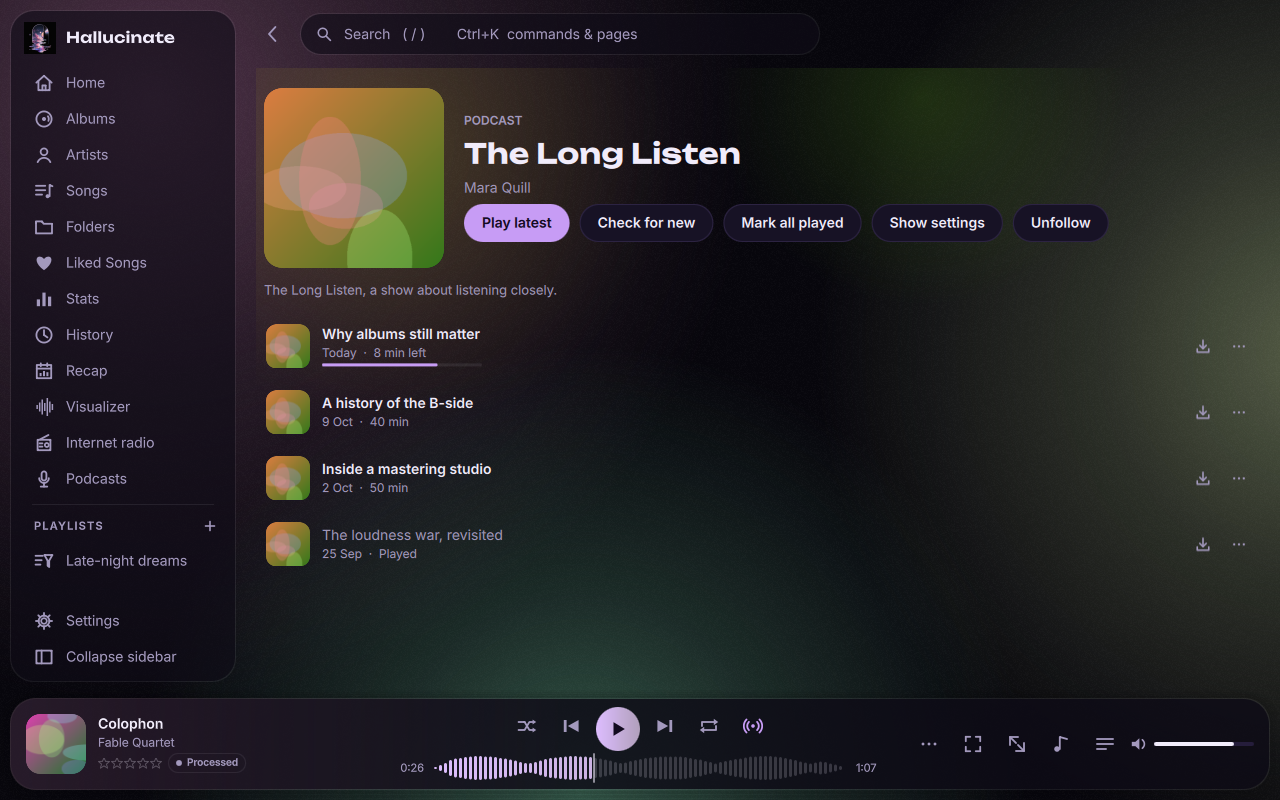
Internet radio and podcasts when you want them (off until you switch them on), similar songs from your own library when the queue runs out, and playlists that build themselves from rules. Coming from another player? Your play counts, ratings and playlists come with you.
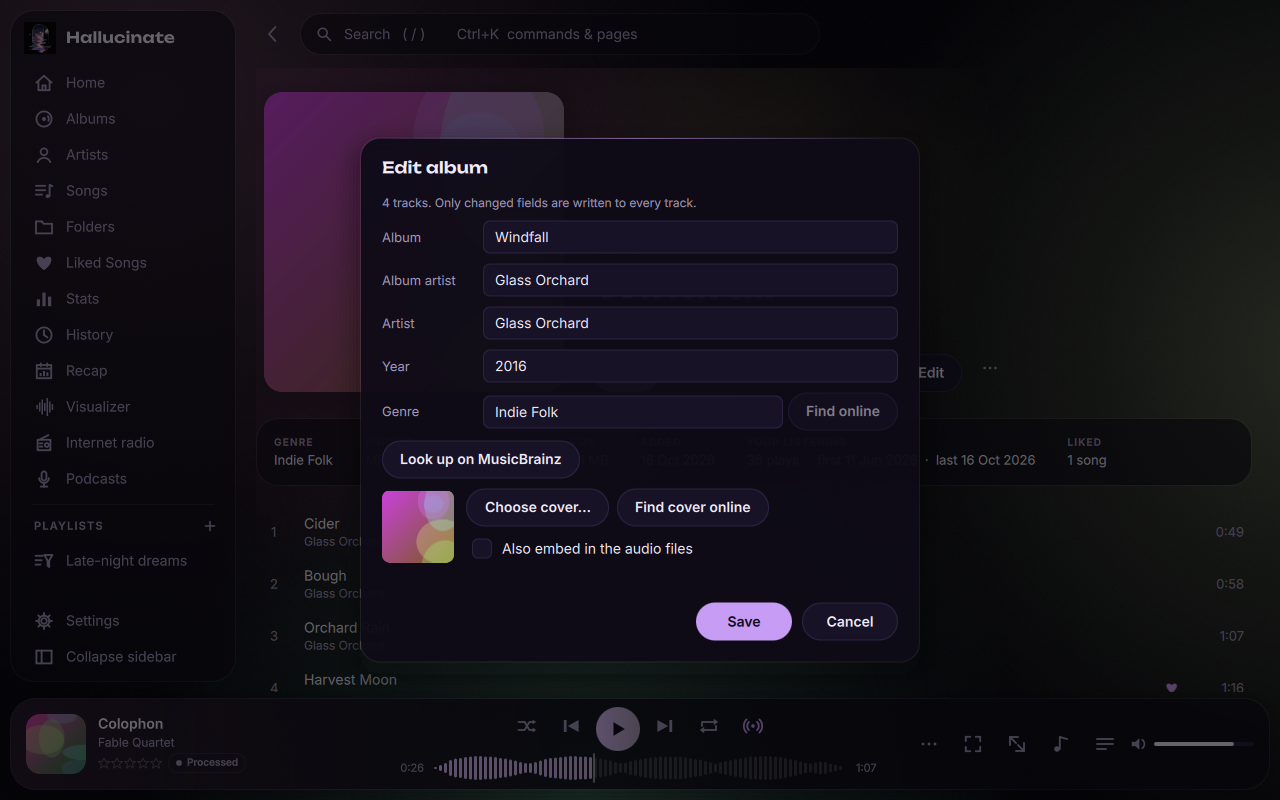
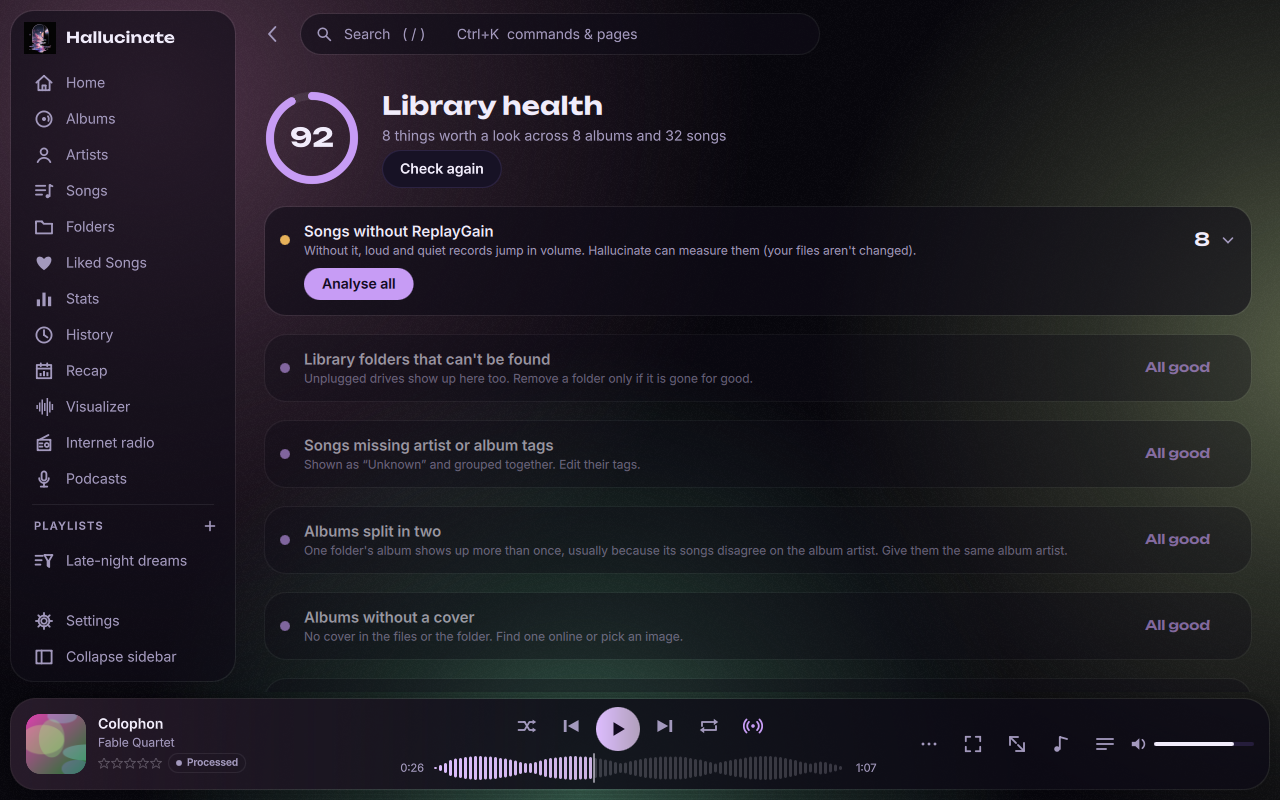
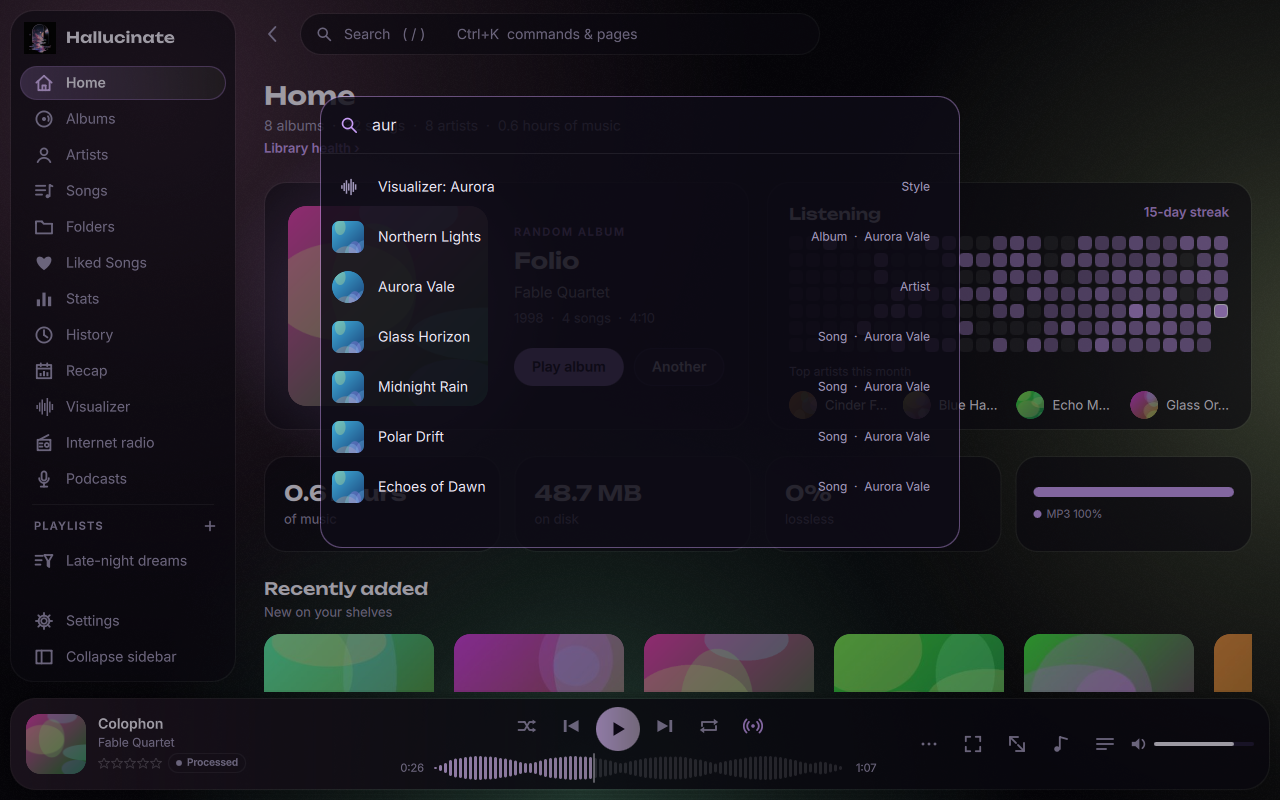
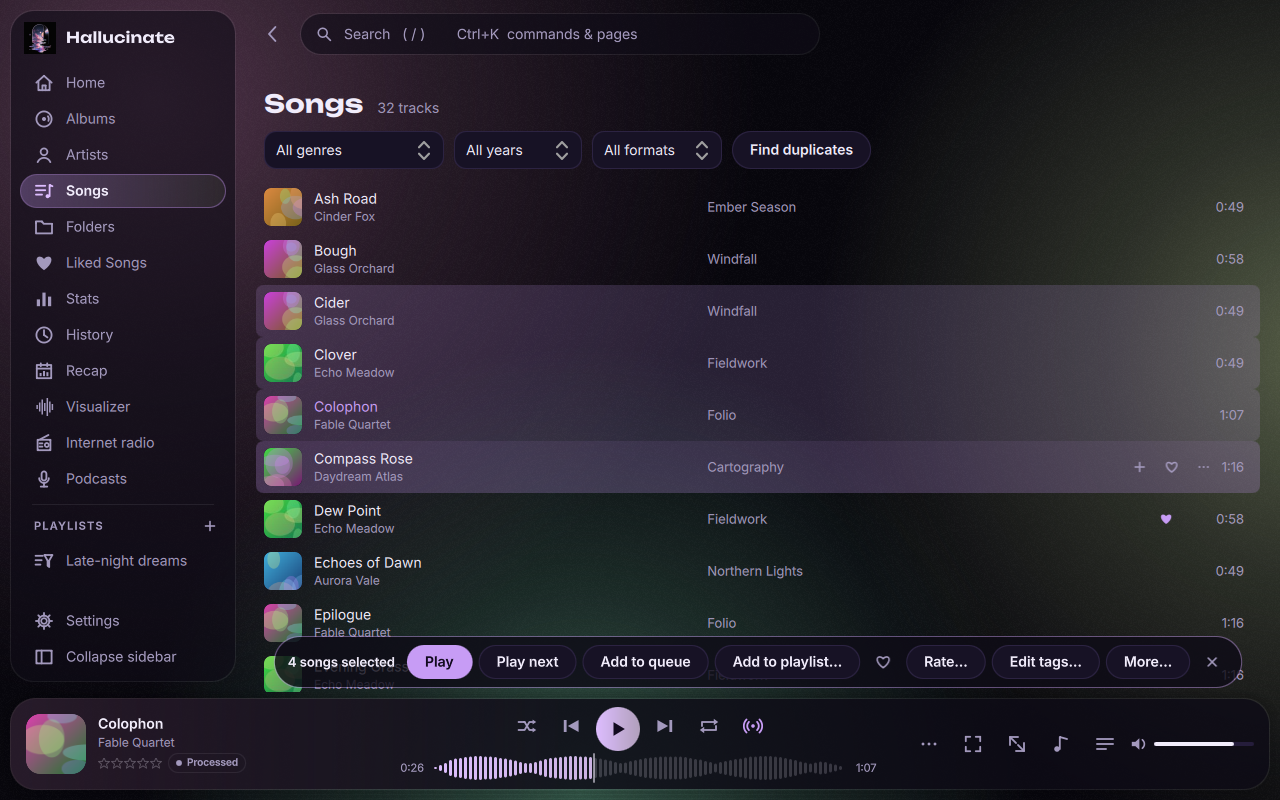
Instant search across a quarter of a million songs, Ctrl+K for anything, Ctrl/Shift+click to act on many songs at once, and a health check that finds missing covers, tags and duplicates, with a fix next to each. Album tags can come from MusicBrainz in one search.
Your library, playlists and listening history stay on your computer, and there's no telemetry. Scrobbling to Last.fm or ListenBrainz and Discord are strictly opt-in, and offline mode turns off every internet connection with one switch. Back it all up to one file and restore it anywhere.
Every screenshot here is rendered straight from the app.
Free forever. Pick your platform.
Windows 10 or 11, 64-bit. Media keys and the system media overlay work out of the box.
Download installerNot code-signed yet, so SmartScreen may warn: choose More info → Run anyway. A portable zip is also available.
An AppImage that runs on any modern x86-64 distribution, with everything bundled.
Download AppImageMake it executable, then run it: chmod +x Hallucinate-x86_64.AppImage. Prefer Flatpak? Install it from our repository and it updates with your other apps, or get the single-file bundle. Arch users can build the AUR package.
A native app for Apple silicon Macs (M1 and newer).
Download for MacUnzip and move Hallucinate to Applications. It isn't notarized yet, so if macOS blocks it the first time, allow it under System Settings → Privacy & Security → Open Anyway.
Other options: install with pip · all releases and checksums · source code